Your recipe. Your cooking mode. Your meal tracker.

Finally a cooking assistant that gets how you cook. And helps you track your calories.

Whether you use a Thermomix, an air fryer, or just a pot and pan: FitPrepster turns your recipe into clear cooking steps and sends protein, carbs, and fat straight to your meal tracker. One tool instead of three apps.

First recipe
Try it with a recipe you actually want to cook.
Try it directly with:

Test for free, Premium from €4.99/month or €49.90/year.

FitPrepster turns a dish or a few ingredients into a checkable recipe draft that fits your cooking mode. Your recipe stays editable on purpose.

Colorful bowl with vegetables and rice
Bowl
Photo: cottonbro studio / Pexels
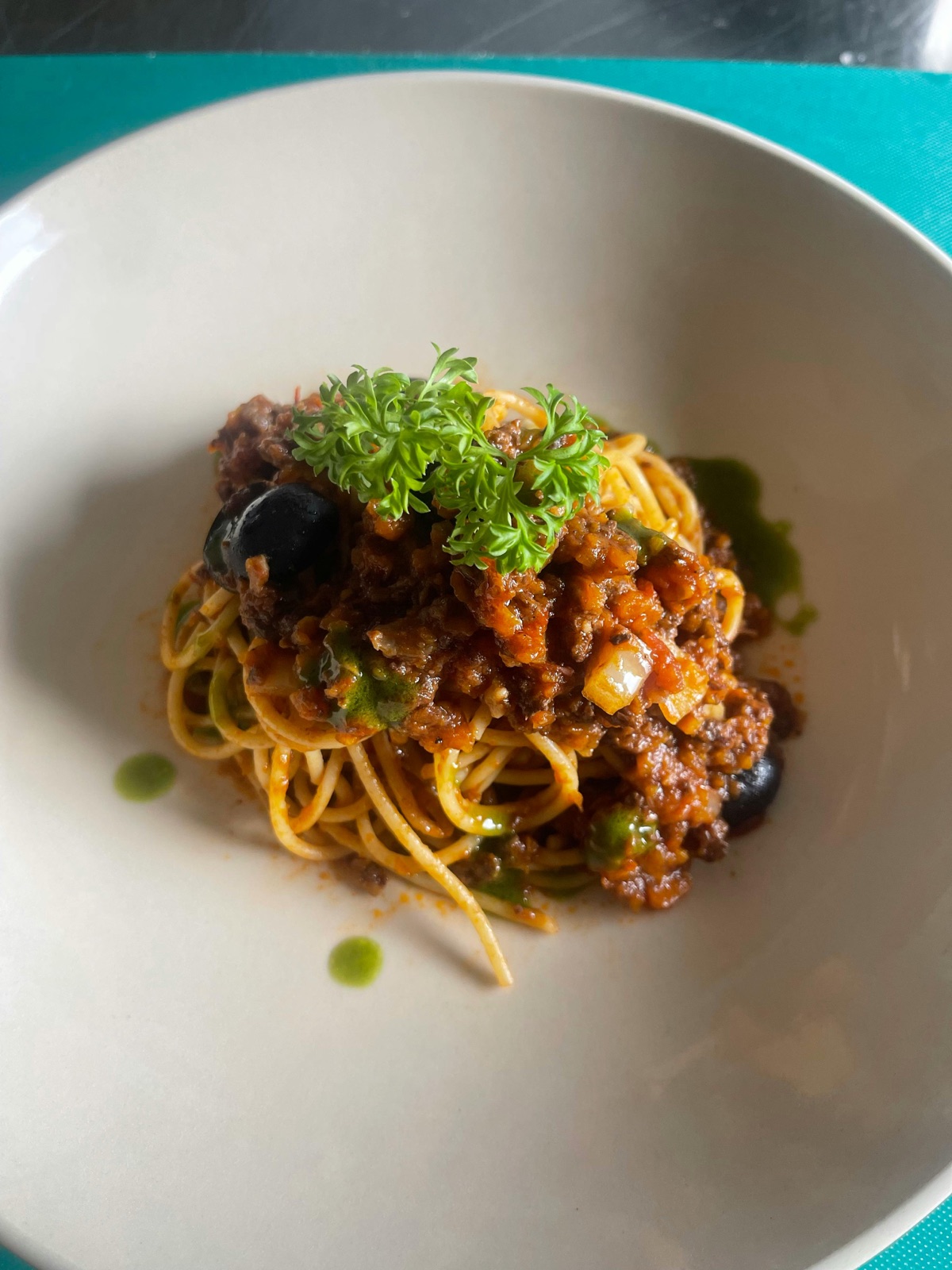
Pasta with tomatoes and herbs
Pasta
Photo: Marlein / Pexels
Roasted potatoes and vegetables
Pan
Photo: Nadin Sh / Pexels
Mediterranean bowl with roasted vegetables
Vegetables
Photo: Gül Işık / Pexels

Sample images: cottonbro studio, Marlein, Nadin Sh, and Gül Işık / Pexels.

What a conversion looks like
1. Source recipe
Chicken rice bowl, meal prep-friendly
AI suggestion
“Season and sear the chicken, cook rice according to the package, slice bell pepper and cucumber, prepare yogurt dressing.”

Created from your idea. FitPrepster turns it into steps and nutrition values for your device.

2. Guided cooking
Adjusted steps
  1. 1. Cook rice and let it cool
  2. 2. Season chicken and cook it in the air fryer
  3. 3. Portion the bowl and plan dressing separately
3. In the tracker
Portion with macros
520 kcal
1 portion can be sent to the meal tracker
Protein 38g
Carbs 52g
Fat 14g
The real benefit

You do not need to search again just because a recipe almost fits. A creamy pasta can become a version with cottage cheese, more protein, and a familiar taste.

How FitPrepster works

From recipe to plan, shopping list and tracker.

You see the useful path before you commit: check the recipe, adapt it if needed, get cooking steps for your mode and use the result for planning, shopping and logging.

1

Check

Calories, protein and portion size appear as an estimate before conversion.

2

Choose

Lower-calorie, higher-protein or original: you decide before the next step.

3

Cook

Steps for pot and pan, Thermomix, Cookit, Monsieur Cuisine or air fryer.

4

Plan

Place prepared recipes in the week or let Premium draft the week from saved recipes.

5

Shop

Collect absolute ingredient amounts from your plan; unclear pantry items stay separate.

6

Log

After cooking, take over the portion and adjust the estimated values if needed.

Quick check is visible before signupPremium starts after the recipe is clearLeftovers can become new recipe ideas
This fits you if...

You want to cook your own recipes without opening three apps.

  • You want to cook your own recipes or food blog links with your Thermomix or air fryer without guessing time and temperature every time.
  • You want to track calories, protein, carbs, and fat without typing every ingredient separately.
  • You use a Thermomix but do not want to be limited to one recipe app.
  • You also cook freely with a pot, pan, or oven and still want to stay in the same tracker.
Supported devices

You choose how you want to cook. FitPrepster adapts the steps.

Kitchen machines
  • Thermomix TM6
  • Thermomix TM7
  • Bosch Cookit
  • Monsieur Cuisine
Air fryers
  • Philips
  • Ninja
  • Cosori
  • Silvercrest
Free cooking
  • Pot
  • Pan
  • Oven

The device list grows with real user requests. If yours is missing, write to us through Help.

Paste a recipe or ingredients

Use what you have: a food blog, recipe card, your own text, or visible ingredients from the fridge.

Choose cooking mode

FitPrepster builds the steps for your Thermomix, your air fryer, or the pan.

Send it automatically to the meal tracker

After cooking, your portion lands in the meal tracker with calories, protein, carbs, and fat.

Premium highlight

When your favorite recipe almost fits, but not quite.

Autopilot builds an adapted version in seconds: higher-protein, faster, lighter, vegan, or meal prep-friendly. You get a checkable draft and decide yourself.

Before cooking

An evening pasta becomes a version that is easier to prep for two lunches.

Start from ingredients

A fridge photo detects visible ingredients, shows them as a checkable board, and turns them into three concrete cooking ideas for what is already there.

Test first, then decide

Start for free, go Premium when you want more.

Free shows the core flow: prep a recipe, save it, cook it, plan manually, and use the shopping list. Premium is for more recipes, photos, and automatic drafts.

Free
€0
to get started
  • Prep 5 own recipes per month
  • Recipe collection, weekly plan, and shopping list
  • Cook and send portions to the tracker
  • Steps for all supported devices
Test for free
Premium
from €4.99
per month, or €49.90 per year
  • Prep unlimited own recipes
  • Automatic weekly plan from saved recipes
  • Photo quick log for cooked meals
  • Autopilot with recipe variants
  • Fridge-to-recipe from an ingredient photo
  • Barcode and fast tracker entry
View Premium
Guides

Practical help for recipes, portions, and product data.

All articles
FitPrepster is an independent product and has no official connection to Vorwerk, Bosch, Philips, Ninja, Cosori, or Lidl (Silvercrest, Monsieur Cuisine). Device and model names are mentioned only as factual compatibility information. All brands belong to their owners.
Language